iKeePass for iPhone

Native KeePass app for iPhone with Face ID and Touch ID
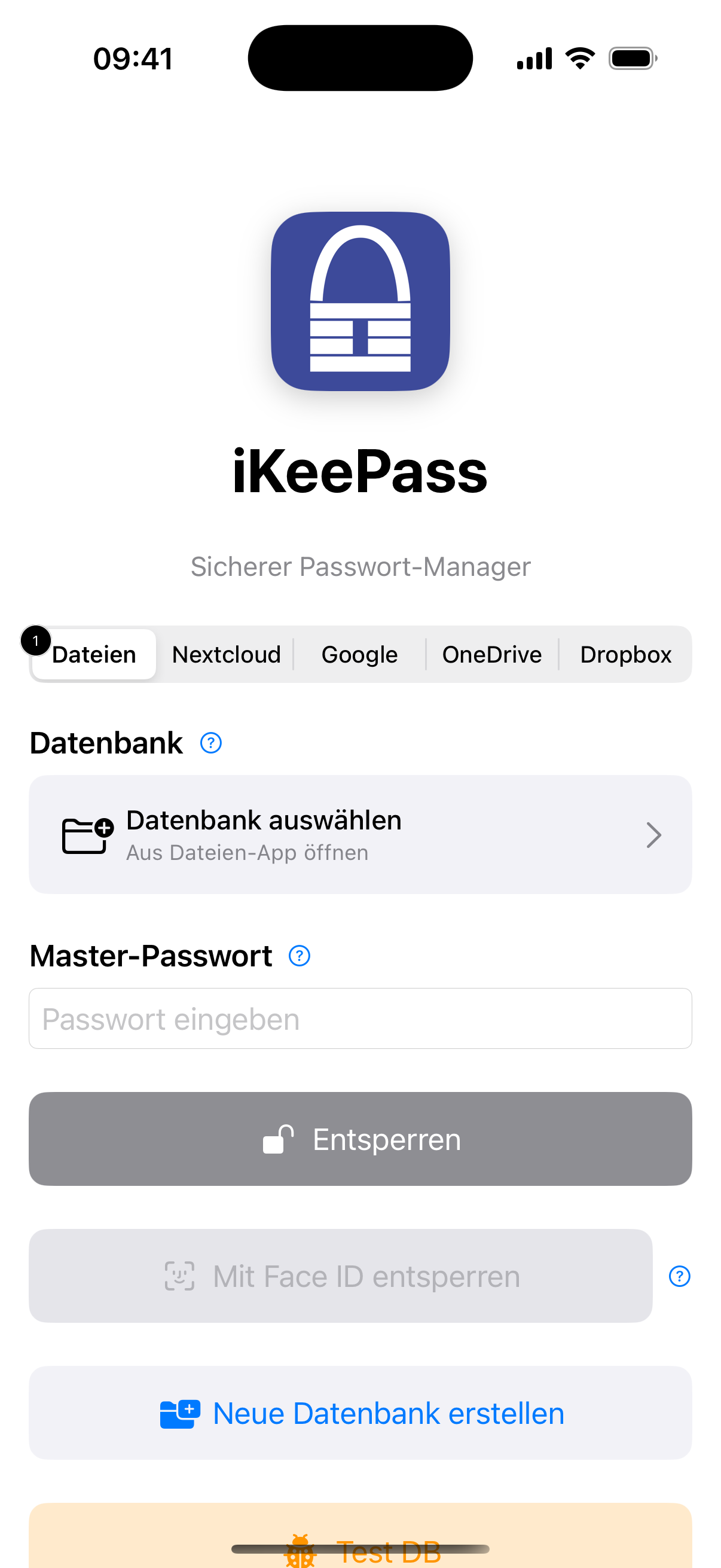
Secure Login

Secure Login

Biometric Authentication

  • Face ID or Touch ID unlock
  • Quick access without password entry
  • Secure fallback via master password
  • Cloud database selection (Nextcloud, Dropbox, OneDrive)

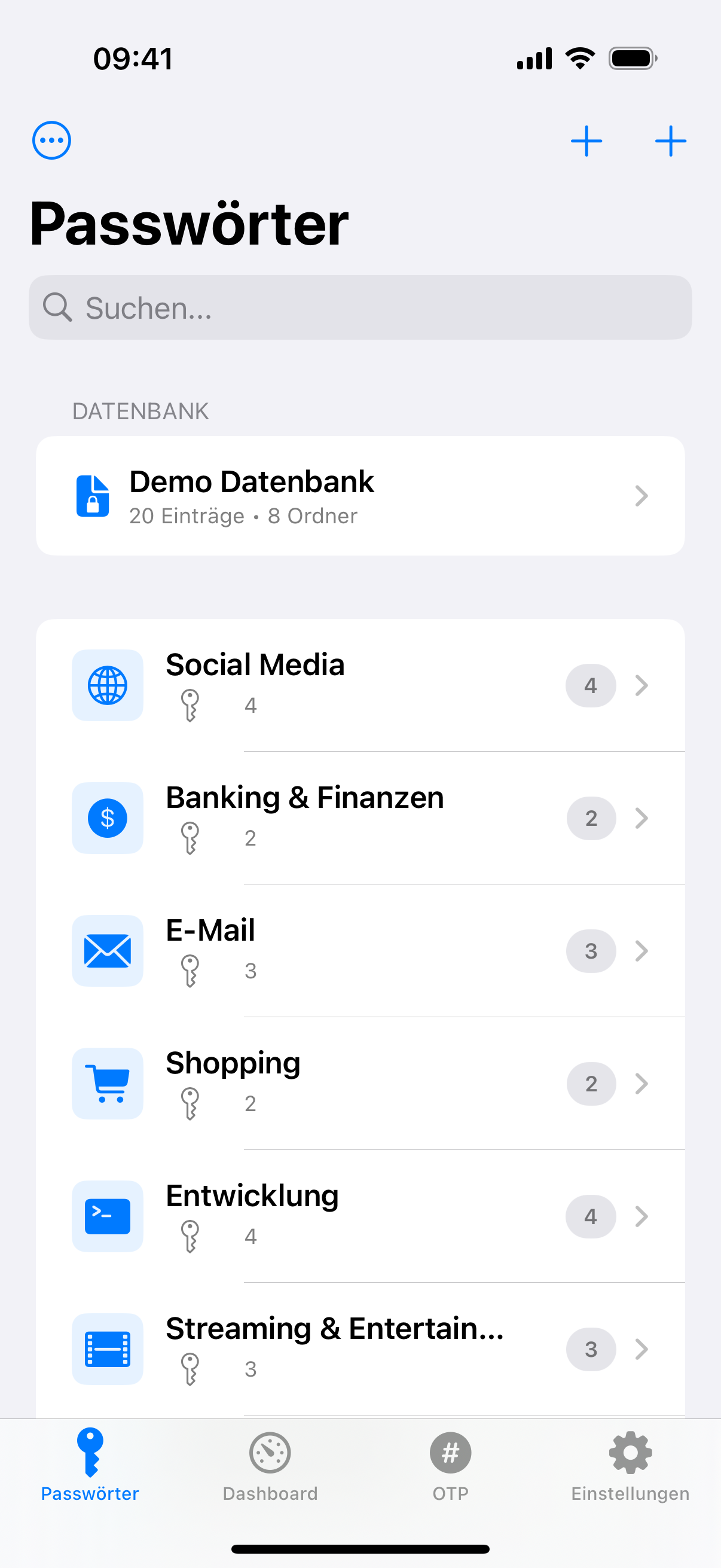
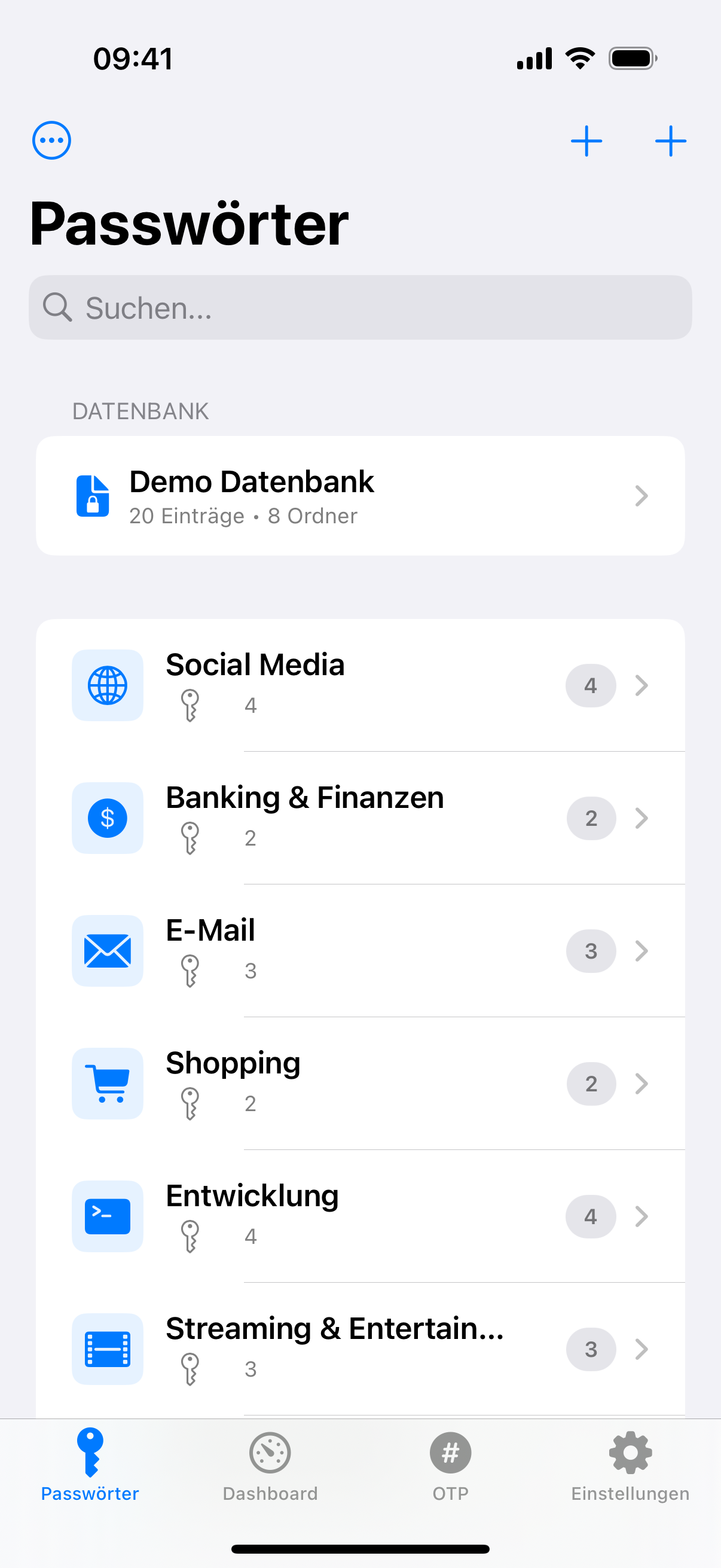
Password Management

Clear and intuitive

  • Folder structure like KeePass Desktop
  • Clear password list with icons
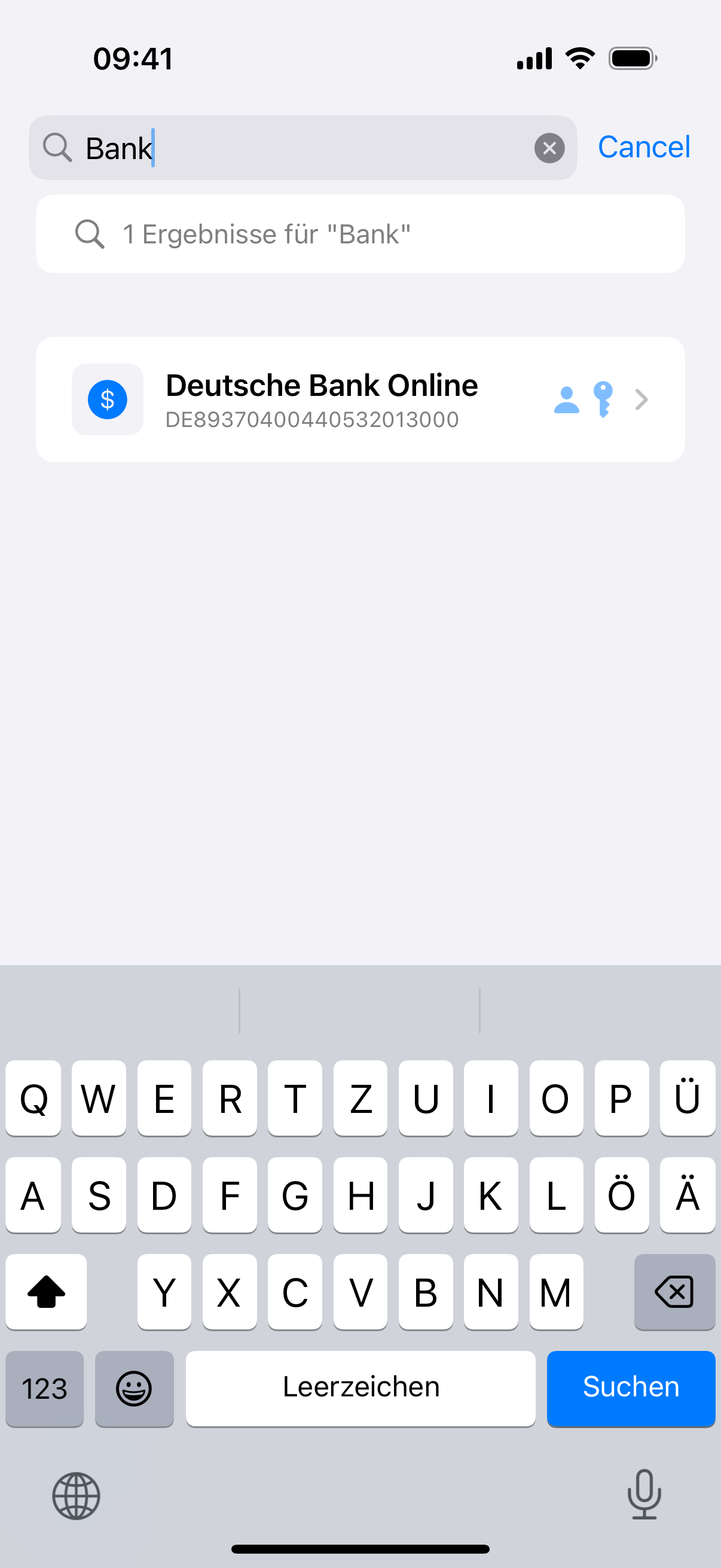
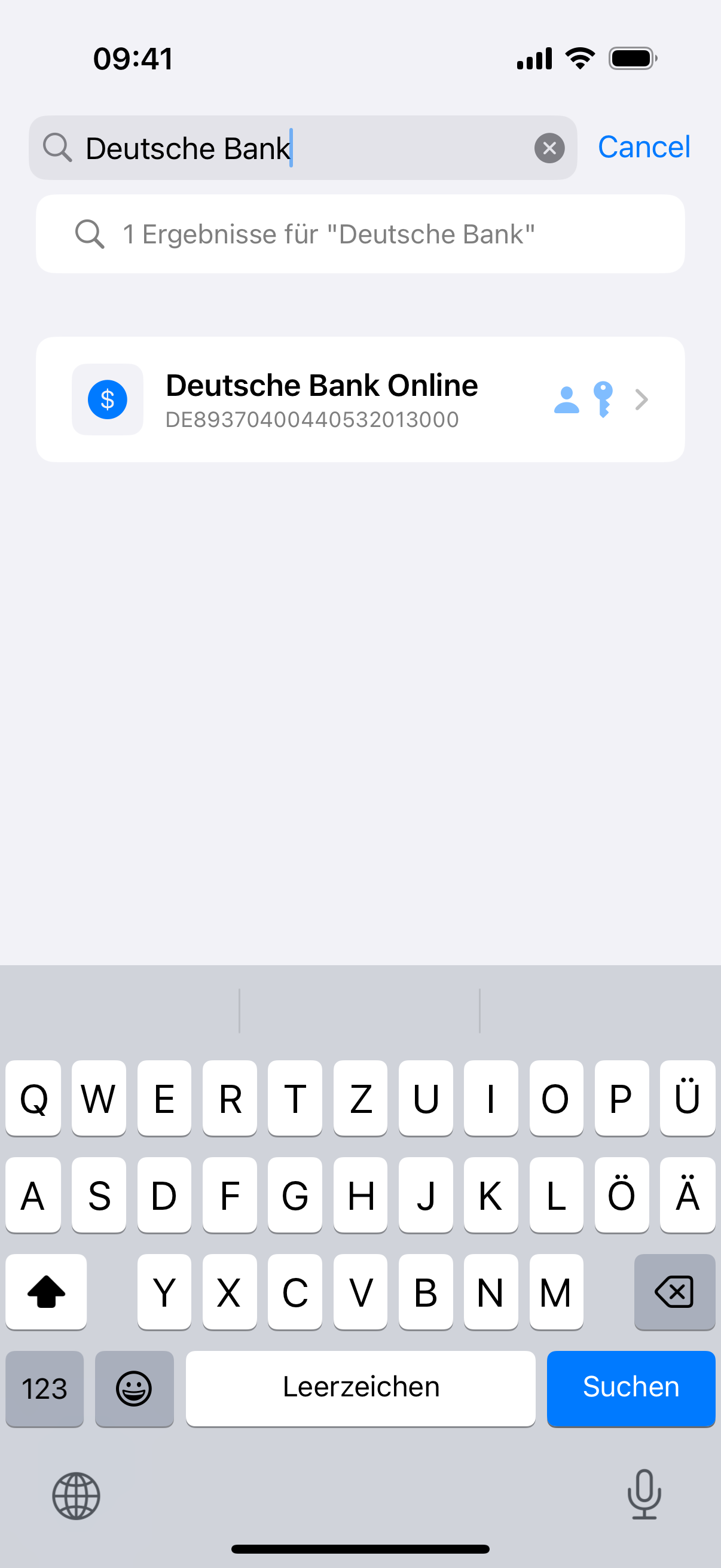
  • Quick search with real-time filtering
  • Swipe actions for fast copying
Password Management
Entry Details

Entry Details

All information at a glance

  • Username and password with copy buttons
  • Custom fields for additional data
  • URL links open directly
  • Show/hide password with a tap

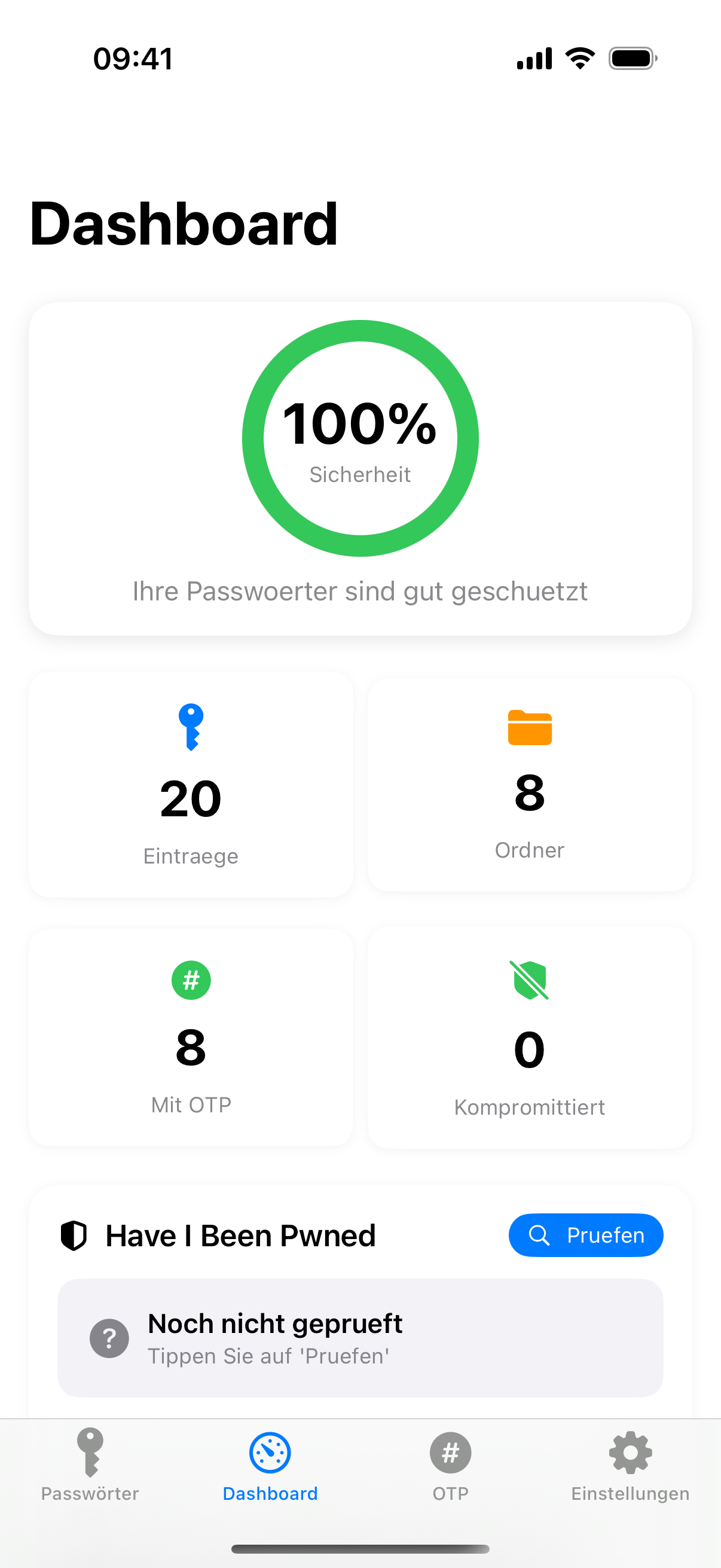
Security Dashboard

Password security at a glance

  • Security Score calculation (0-100%)
  • Detect weak passwords (<8 characters)
  • Automatically find duplicate passwords
  • Identify old passwords (>90 days)
  • Visual statistics dashboard
Security Dashboard
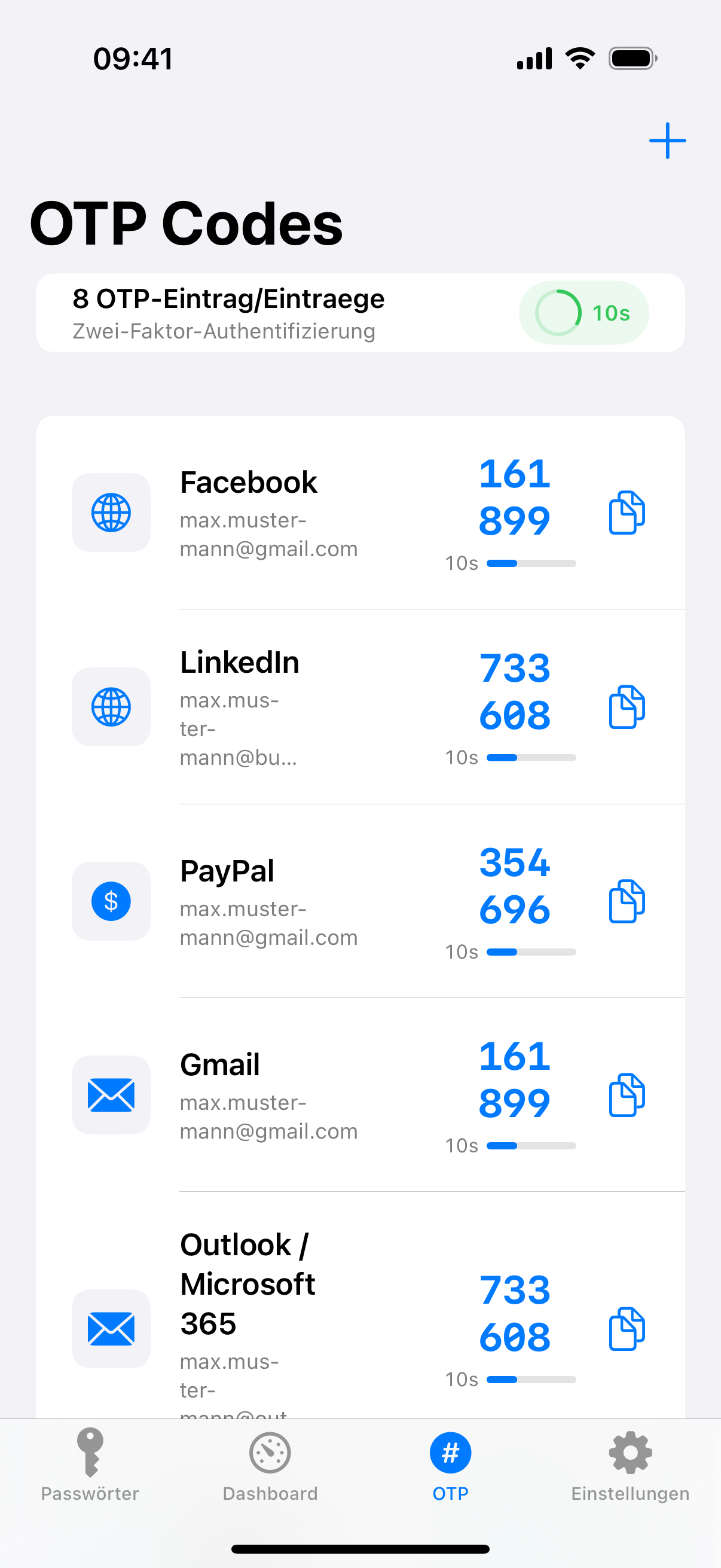
TOTP/OTP Codes

TOTP/OTP Codes

Two-factor authentication

  • 6-digit codes with real-time generation
  • Countdown timer with visual progress bar
  • One-tap copy to clipboard
  • Supports TOTP and HOTP standards

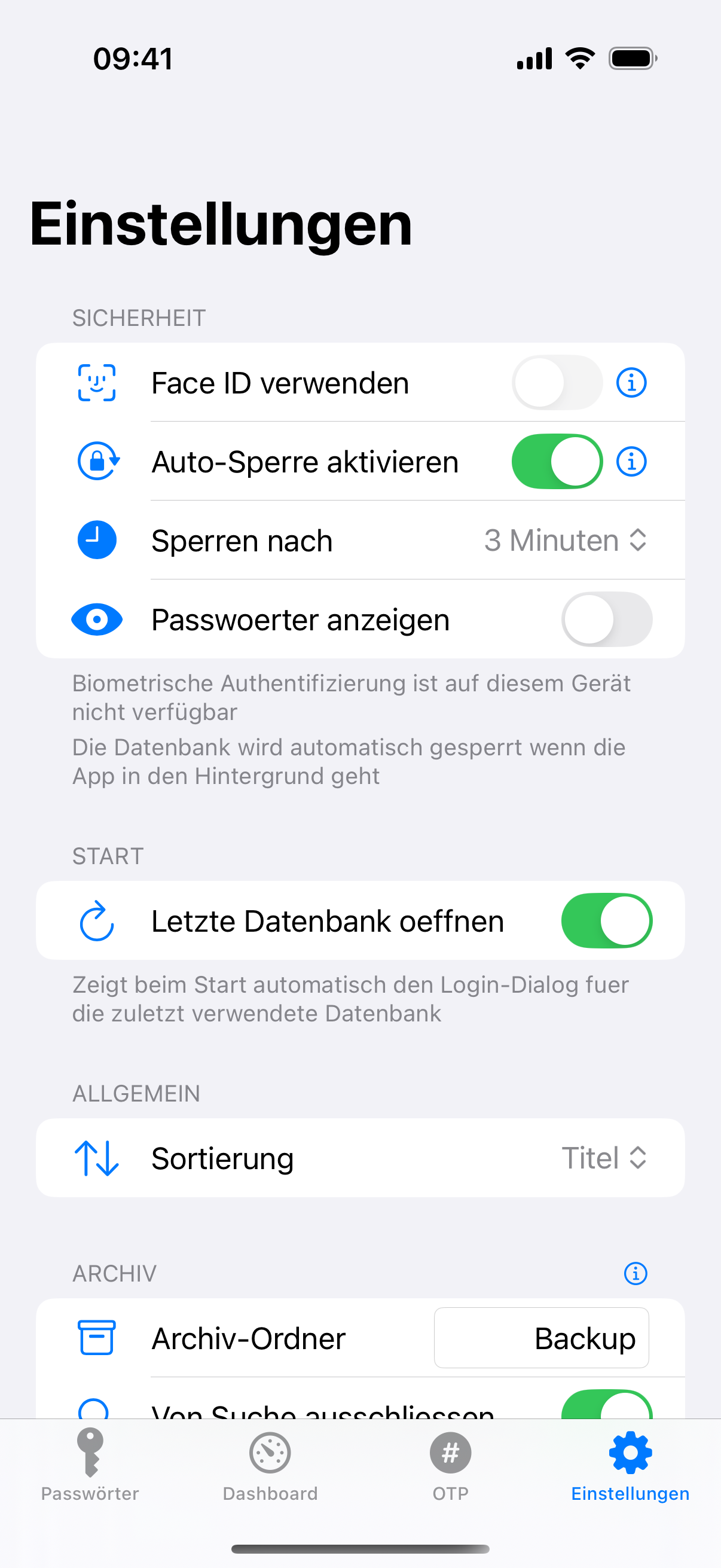
Settings

Extensive customization options

  • Database management (Open, Create, Switch)
  • Cloud sync setup (Nextcloud, Dropbox, OneDrive)
  • Biometrics enable/disable
  • Security settings (Auto-Lock, Clipboard)
Settings

Flexible Entry Types

Custom fields for special data

  • Banking entries with IBAN, BIC, account number
  • Custom fields unlimited
  • Protected fields with password protection
  • File attachments (images, PDFs, documents)
Flexible Entry Types

System Requirements

Requirement Minimum
iOS 17.0 or newer
Devices iPhone 8 or newer
Storage 30 MB

Download

The iPhone app will soon be available in the App Store.